


Moleskine
Moleskine Smart Writing Set – Smart Pen & Notebook for Note-Taking
Moleskine Smart Writing Set – Smart Pen & Notebook for Note-Taking
SKU:EL133
Couldn't load pickup availability


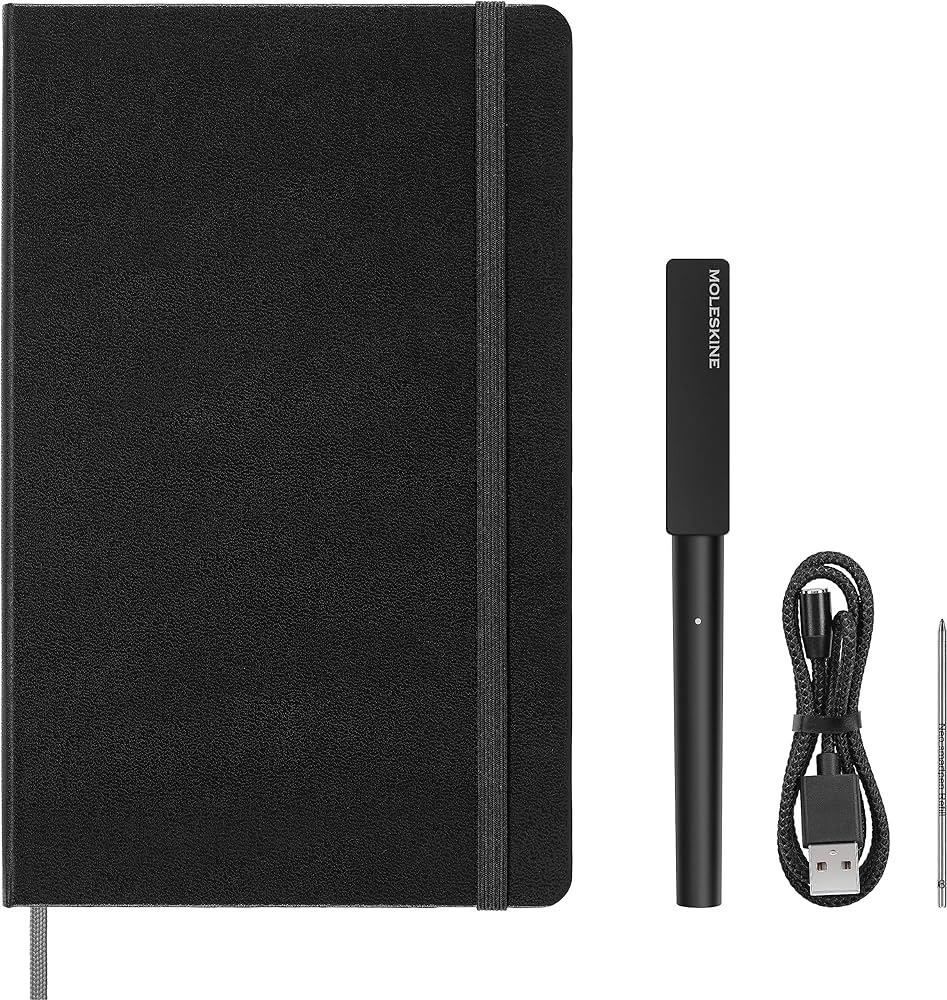
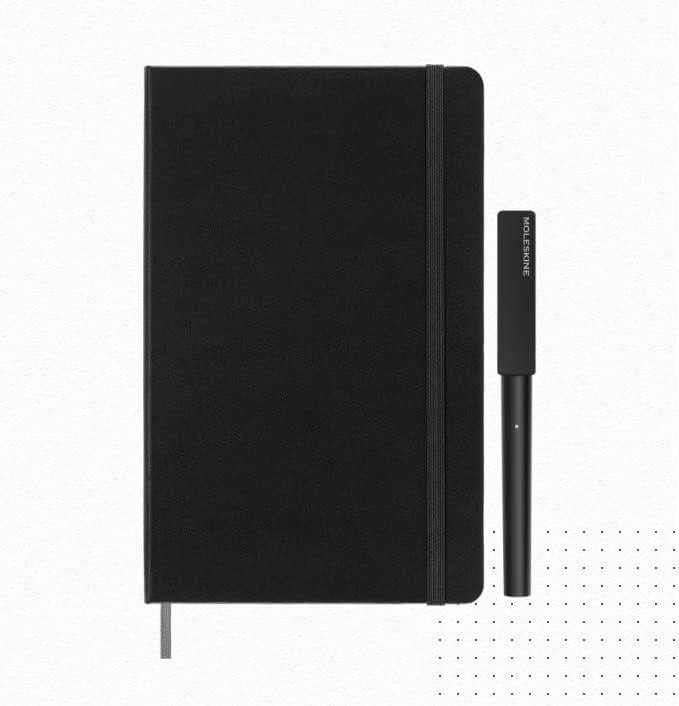
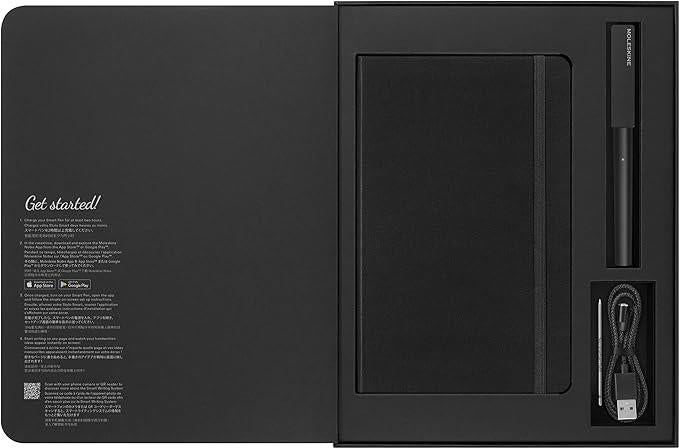
Write on paper. Keep it forever.
The Moleskine Smart Writing Set gives you the experience of writing in a real notebook, while automatically creating a digital copy of everything on the page. The Smart Pen uses Ncoded technology — an invisible grid embedded into the pages of the Smart Notebook — to track every pen stroke in real time. As you write, your notes appear simultaneously on your phone or tablet via the free Moleskine Notes app. Nothing is lost. Nothing needs to be photographed or retyped.
How it helps people with dyslexia
For many people with dyslexia, handwriting is the most natural and comfortable way to capture thoughts and ideas. The challenge comes later: finding the notes again, reading them back, or sharing them with others. The Smart Writing Set addresses exactly this. Once your handwriting is in the app, it can be transcribed into typed text — making it searchable, readable in any font, and easy to share with teachers, support workers, or colleagues. Notes can also be exported as PDFs, sent by email, or saved to Google Drive or Evernote.
For students who struggle to take notes quickly enough in class, the Smart Pen's audio recording feature is a particular asset. You can record the lesson or lecture at the same time as writing, and the audio is automatically synced to the page — so playing back any moment in the recording takes you to the exact notes you wrote at that point. No context is lost, and listening back later can make reviewing far less effortful than re-reading.
Why it works in schools and professional settings
- Supports exam and assessment accommodations. Students who are entitled to use assistive technology in exams can use the Smart Writing Set for handwritten responses that are also captured digitally, giving both a physical and a searchable digital record.
- Bridges the gap between hand and screen. For learners who find typing difficult or uncomfortable, the Smart Writing Set removes the need to choose between analogue and digital — they can write naturally and still produce a typed, editable version.
- Handwriting transcription in 15 languages. The app's handwriting-to-text transcription function supports multilingual learners and can reduce the burden of reviewing and rewriting notes.
- Cloud backup and cross-device access. Notes are automatically backed up and accessible across all devices. Homework, meeting notes, or lesson records are never accidentally left at home or lost.
- Works offline. The Smart Pen stores notes internally when there is no internet connection and uploads them automatically as soon as a connection is restored.
For adults managing dyslexia at work
In workplace settings, the Smart Writing Set offers a discreet and professional way to take handwritten notes during meetings while building a searchable digital archive. The ability to annotate, tag, and organise notes in the app means important information is always retrievable — even for people who find traditional filing or searching difficult.
A notebook for the way your mind works
If you or someone you support works best with pen and paper but needs their notes to do more, the Moleskine Smart Writing Set is one of the most elegant ways to bridge that gap. The notebook looks and feels exactly like a standard Moleskine. The technology is entirely invisible until you need it.
- Smart Pen (model NWP-F130): Bluetooth-connected pen with an infrared camera that tracks handwriting on Ncoded paper. Writes with standard ballpoint ink using replaceable D1 mini refills.
- Ncoded Smart Notebook (Large): Hardcover, 13 x 21 cm, 176 ruled pages. Ivory-coloured 100 g/m² acid-free paper. Lies flat, opens at 180°. Elastic closure, ribbon bookmark, and expandable inner pocket.
- Real-time digital capture: Handwriting appears on your connected device screen as you write, via the free Moleskine Notes app (iOS and Android).
- Handwriting transcription: Handwritten notes can be converted into typed, editable text within the app. Supports 15 languages.
- Synchronised audio recording: Record audio during note-taking; playback is linked to the exact page and position where you were writing at that moment.
- Search and organisation: Add tags, search by keyword, and organise notes across multiple Smart Notebooks from within the app.
- Export options: Share notes as PDF, image, vector, or text. Compatible with Google Drive, Evernote, iCloud, and email.
- Offline mode: The Smart Pen stores up to 1,000 pages of notes internally (16 MB). Notes sync automatically when a connection is available.
- Battery life: Up to 8 hours continuous writing (standard mode) or 11 hours (eco mode). Charges in approximately 90 minutes via magnetic charger (included).
- Connectivity: Bluetooth 4.2. Compatible with Android 10+ and iOS 14+.
- Smart Pen dimensions: 143 mm long x 12.4 mm diameter. Weight: 16 g (without cap).
- Colour: Black.
- What is included: Smart Pen, Smart Notebook (Large, ruled), 1 ink refill (D1 mini), magnetic charger, user manual.
- Paper certification: FSC-certified, from well-managed forests and other controlled sources.
- Companion app: Moleskine Notes — free to download on App Store and Google Play. Note: the Smart Pen is only compatible with Moleskine Smart Notebooks.
- EAN: 8056999274795
- Manufacturer: Moleskine Srl, Milan, Italy.
- How is this useful for someone with dyslexia?
The Smart Writing Set lets you write naturally by hand — which many people with dyslexia find easier than typing — while automatically creating a digital record. That digital copy can be transcribed into typed text, making notes searchable and much easier to review, share with support workers, or submit as coursework. The audio recording feature is particularly helpful for people who find re-reading notes difficult, as you can listen back to any moment in a lesson or meeting. - Does the pen work with any notebook?
No. The Smart Pen only works with Moleskine Smart Notebooks, which contain Ncoded paper with an invisible grid that the pen's infrared camera reads. Standard Moleskine notebooks and other paper will not work. Replacement Smart Notebooks are available separately. - Does it work without an internet connection?
Yes. The Smart Pen stores up to 1,000 pages of notes in its internal memory (16 MB). When you reconnect to the internet or re-open the app with Bluetooth active, your notes sync automatically. You can also continue writing without your phone nearby — the pen works independently and uploads when paired. - Can handwriting be converted into typed text?
Yes. The Moleskine Notes app includes a handwriting transcription feature that converts your handwritten notes into editable typed text. It supports 15 languages. Accuracy depends on the clarity of handwriting, but the app allows you to correct errors and improve results over time. - What devices is it compatible with?
The Moleskine Notes app is available for iOS (14 or higher) and Android (10 or higher) and connects to the Smart Pen via Bluetooth 4.2. It is not currently available as a Windows or desktop application. - How long does the battery last, and how do I charge it?
The Smart Pen lasts up to 8 hours of continuous writing in standard mode, or 11 hours in eco mode. It charges via the included magnetic charger in approximately 90 minutes. Battery level can be checked at any time within the app.