
-
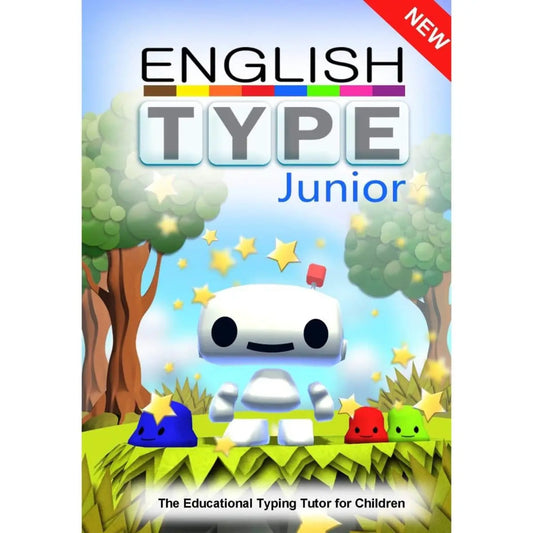
Englishtype Junior: Dyslexia-Friendly Touch Typing for Kids (Windows)
Regular price £40.00 GBPRegular priceUnit price per -
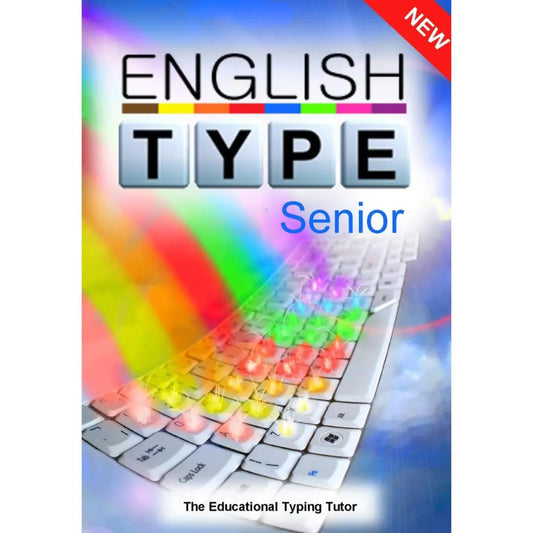
Englishtype Senior Typing Tutor for Dyslexia - Windows Download
Regular price £40.00 GBPRegular priceUnit price per -
Englishtype Junior Mac Download - Touch Typing for Dyslexia
Regular price £40.00 GBPRegular priceUnit price per -
KAZ SEN/Dyslexia Touch Typing Tutor - Online 12-Month Licence
Regular price £29.99 GBPRegular priceUnit price per -
KAZ SEN/Dyslexia Touch Typing Tutor - Mac and Windows Download
Regular price £49.96 GBPRegular priceUnit price per -
Englishtype Double Pack - Windows Download
Regular price £71.88 GBPRegular priceUnit price per -
Multi Licence Software for Schools - KAZ Dyslexia Support
Regular price From £90.00 GBPRegular priceUnit price per -
Englishtype Double Pack - MAC Version Download
Regular price £71.88 GBPRegular priceUnit price per



Frequently asked questions
What is the best touch typing program for dyslexia?
Englishtype and the KAZ SEN/Dyslexia Edition are both touch typing tutors designed with dyslexic learners in mind. Englishtype was developed by an educational psychologist and uses colour coding, real words and games, with Junior and Senior versions. KAZ uses short phrases instead of games and a preference screen for typeface and colours. The best choice depends on age, learning style and device.
At what age should a child with dyslexia learn to touch type?
Englishtype recommends primary age as the ideal time to learn touch typing, with Englishtype Junior for children up to 11 and Senior for ages 12 and over. KAZ suits learners from age 6, with Junior and Adult editions. Starting before two-finger habits set in makes learning easier, and Englishtype Senior and KAZ Adult are designed for teenagers and adults.
Does touch typing help with spelling for dyslexia?
Touch typing tutors for dyslexia are designed to reinforce spelling while teaching keyboard skills. Englishtype uses real words from the first lesson and optional spelling lessons where learners see, hear and type each word. KAZ says its muscle-memory method reduces transposed letters. Typing also makes mistakes easy to correct, but it works alongside, not instead of, structured literacy teaching.
Can schools use typing tutors as part of SEN support or an EHCP?
Yes, schools can use touch typing tutors as part of SEN support or EHCP provision where a plan recommends keyboard skills or word processing. Self-directed lessons let a whole class or intervention group work at the same time, each at their own pace. Englishtype records key accuracy and awards certificates, and KAZ records speed and accuracy, giving SENCOs evidence of progress.
Can my child learn to touch type at home without help?
Yes, children can practise touch typing at home with little adult help, because Englishtype and KAZ both give spoken and written instructions and are designed for short, independent sessions. Englishtype keeps motivation high with games, trophies and certificates, while KAZ uses calm, structured modules and saves bookmarks so children can pick up where they left off.
Do I need to install typing tutor software?
Not always. Englishtype and the KAZ download editions are installed on a Windows PC or Mac, and the KAZ download only needs the internet to download and activate. The KAZ 12-month online licence runs in a web browser, so there is nothing to install. For proper touch typing practice, use a computer with a physical keyboard.