
-
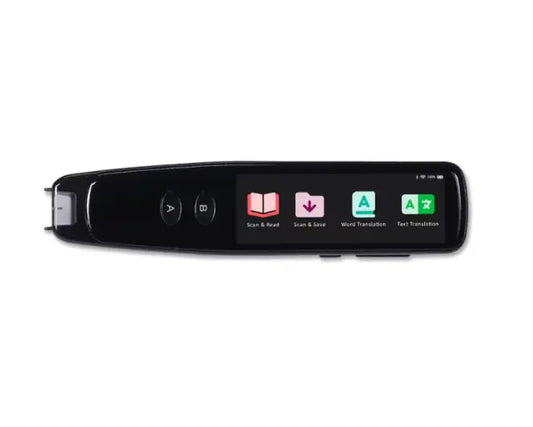
e-pens Explore Scanner
Regular price £160.00 GBPRegular priceUnit price per -
dBud Volume Adjustable Earplugs – Customisable Hearing Protection for Every Environment - Black
Regular price £41.99 GBPRegular priceUnit price per -
14.5" LAVA Lamp Classic (White/Blue)
Regular price £19.99 GBPRegular priceUnit price per -
Andrea NC-181VM USB-C Monaural Headset and with Volume/Mute Controls with USB C Connector
Regular price £40.00 GBPRegular priceUnit price per -
14.5" Northern Lights LAVA Lamp (Purple/Blue)
Regular price £29.99 GBPRegular priceUnit price per -
GeoSafari® Jr Talking Microscope™
Regular price £29.99 GBPRegular priceUnit price per -
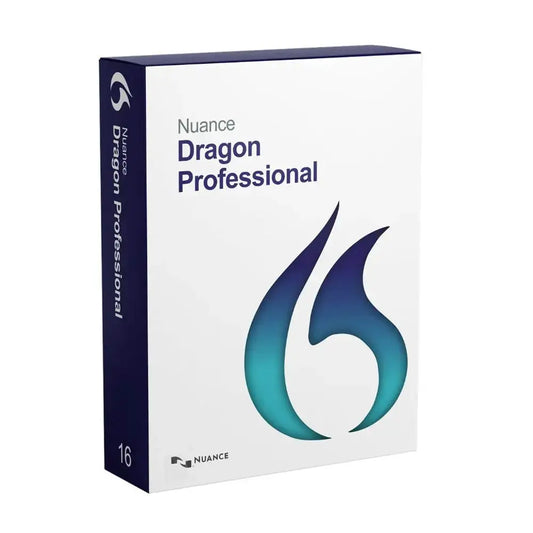
UPGRADE Nuance Dragon Professional 16 from 15 - English Download
Regular price £376.00 GBPRegular priceUnit price per -
Scanmarker Max Reading Pen with Exam Lock for Classroom and Exams
Regular price £299.99 GBPRegular priceUnit price per£216.00 GBPSale price £299.99 GBP -
Nuance Hearing Voice Selector Study
Regular price £238.99 GBPRegular priceUnit price per -
Calmer® – Flare Audio
Regular price £17.95 GBPRegular priceUnit price per -
 Sold out
Boox Go 10.3"
Regular price £400.00 GBPRegular priceUnit price per -
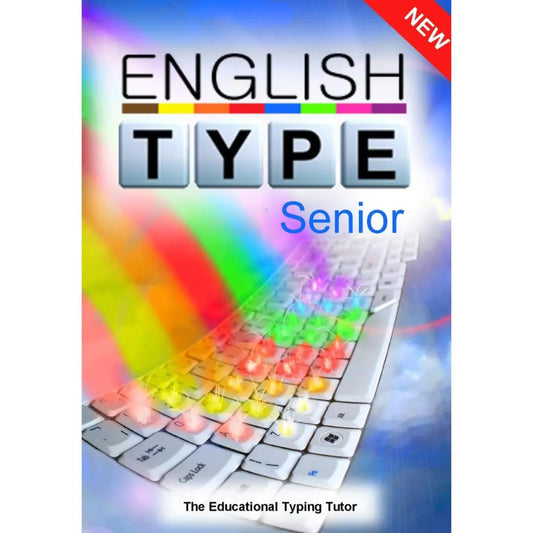
Englishtype Senior Typing Tutor for Dyslexia - Windows Download
Regular price £40.00 GBPRegular priceUnit price per -
Logickeyboard Dyslexie Keyboard ALBA Mac UK
Regular price £100.00 GBPRegular priceUnit price per -
BOOX Mira Pro 25.3" Colour E Ink Monitor – Eye-Friendly Display for Professionals
Regular price £1,849.99 GBPRegular priceUnit price per -
BOOX Note Air 5 C Magnetic Keyboard Cover
Regular price £85.00 GBPRegular priceUnit price per -
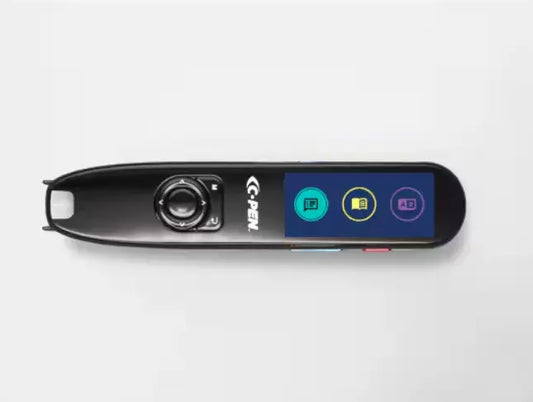
C-Pen Lingo 3
Regular price £418.80 GBPRegular priceUnit price per






Frequently asked questions
What is assistive technology for dyslexia?
Assistive technology for dyslexia is any device or software that reduces the barriers dyslexia creates in reading, writing and organising work. Common examples include reading pens that read printed text aloud, text-to-speech and speech recognition software, digital voice recorders and e-ink tablets. SEND learners use these tools to work more independently, so their understanding is not held back by slow decoding or spelling.
Which reading pen should I choose for a pupil with dyslexia?
Choose a reading pen based on where it will be used. For everyday classroom work and homework, pens such as the Scanmarker Max, C-Pen Reader 2 and IRISPen Reader 8 scan a line of text and read it aloud. If the pupil may need a pen in exams, look at models built for assessment, such as the C-Pen Exam Reader 2 or the Scanmarker Max with its Exam Lock function, and check with your SENCO first.
Can reading pens be used in GCSE exams?
Reading pens can be used in GCSE exams when the candidate's exam centre permits it under the JCQ access arrangements. Permission depends on the subject, what the assessment is testing and whether the pen is part of the pupil's normal way of working. Speak to your SENCO or exams officer early, so the pupil can use the same device in class well before the exam season.
Can schools use assistive technology as part of SEND support or an EHCP?
Yes, assistive technology is a recognised part of SEND provision and sits naturally within the graduated approach described in the SEND Code of Practice. Schools use reading pens, dyslexia software and voice recorders as part of SEN support, and these tools can also be written into an Education, Health and Care Plan (EHCP). Recording the device as a pupil's normal way of working also supports later access arrangement applications.
What software helps children with dyslexia?
Several types of software help children with dyslexia. Text-to-speech programs such as Everyway Read & Write (formerly Texthelp) read on-screen text aloud, touch typing courses such as Englishtype build keyboard skills, and mind mapping software such as Inspiration 11 helps pupils plan writing visually. Older pupils who find writing slow can also use Dragon speech recognition software to turn spoken words into text.
Is assistive technology suitable for children to use at home?
Yes, most of our assistive technology is designed for home use as well as school. Parents use reading pens to help children read homework questions independently, voice recorders to capture ideas before writing, and e-ink tablets for comfortable reading and note-taking. Using the same tools at home and at school helps children with dyslexia build confidence and keeps their way of working consistent.