


N/A
Inspiration 12 Education Mind Mapping Software for Dyslexia
Inspiration 12 Education Mind Mapping Software for Dyslexia
SKU:SW005
Couldn't load pickup availability



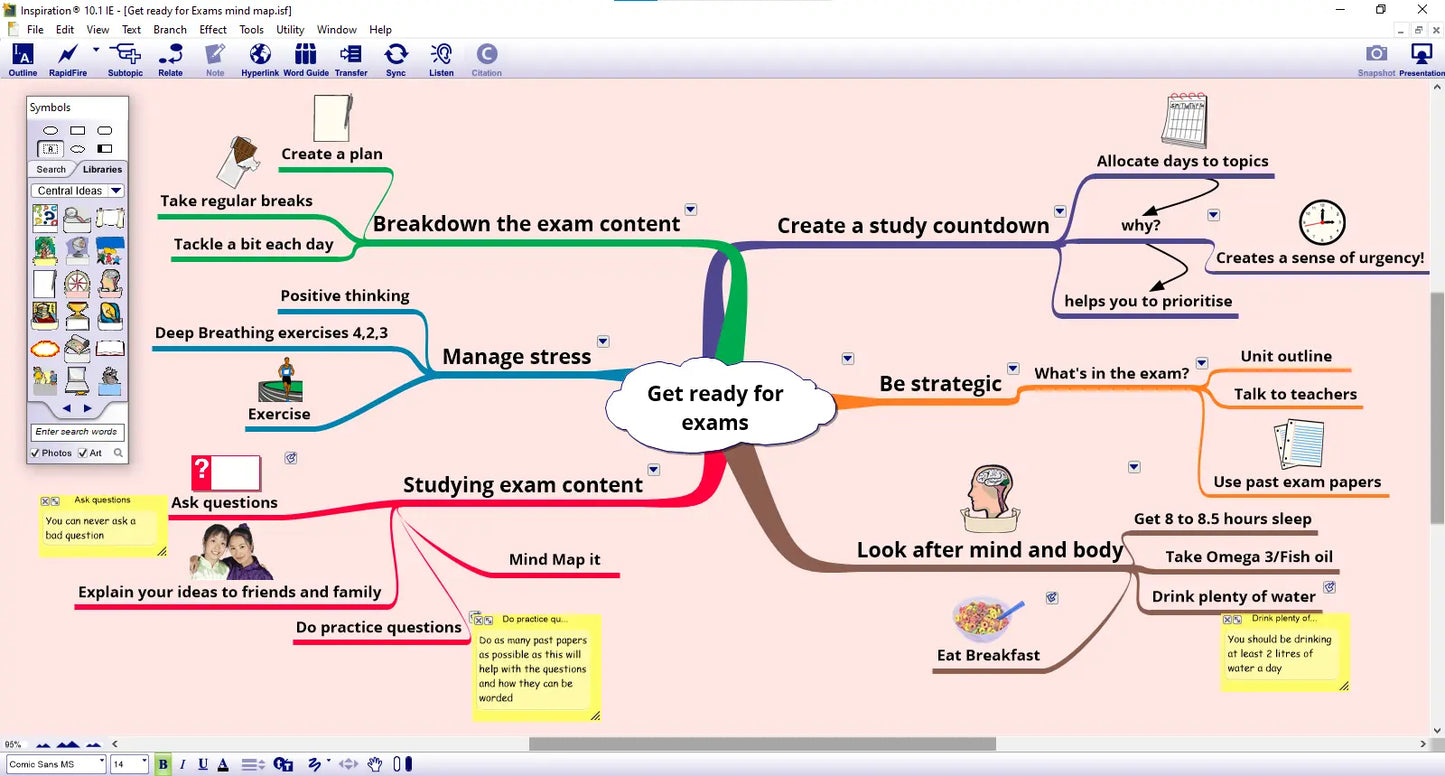
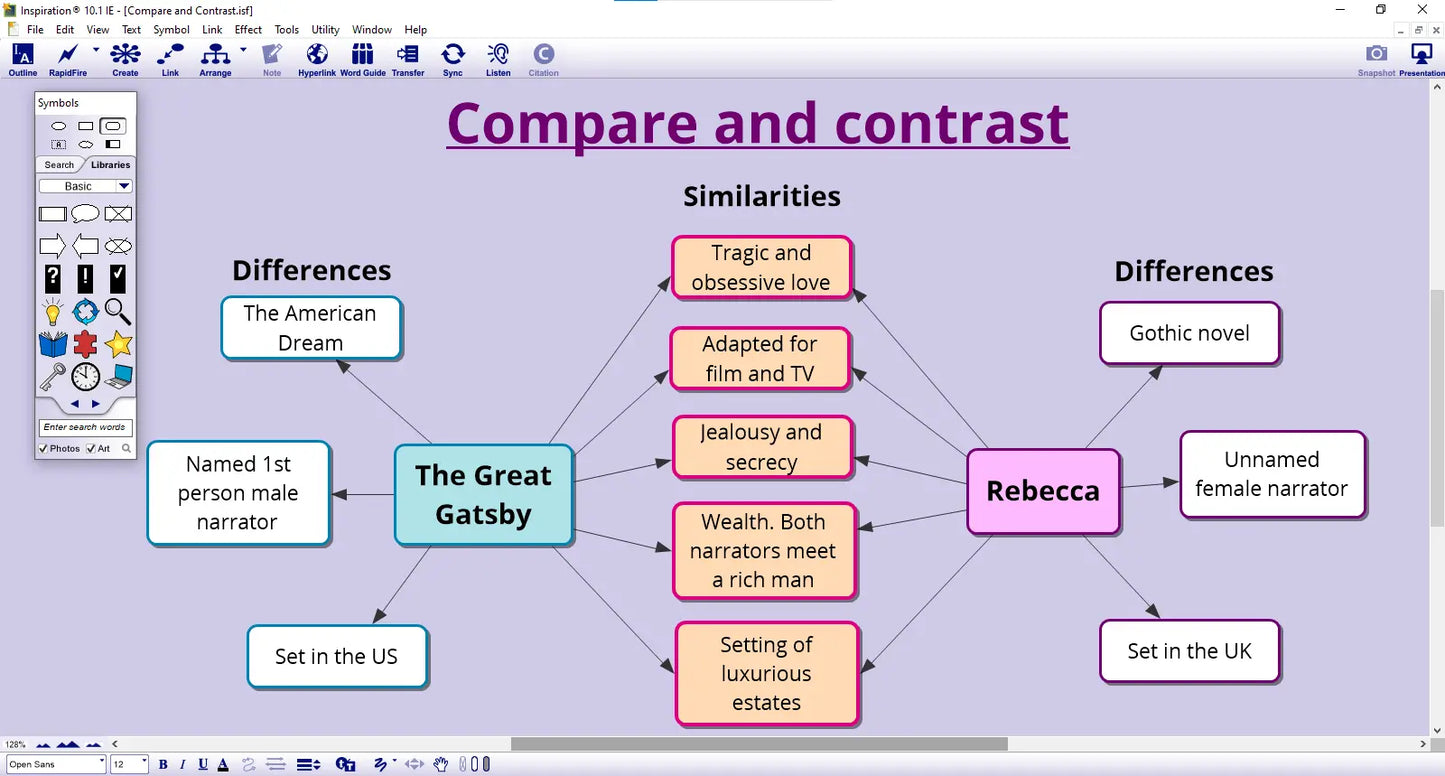

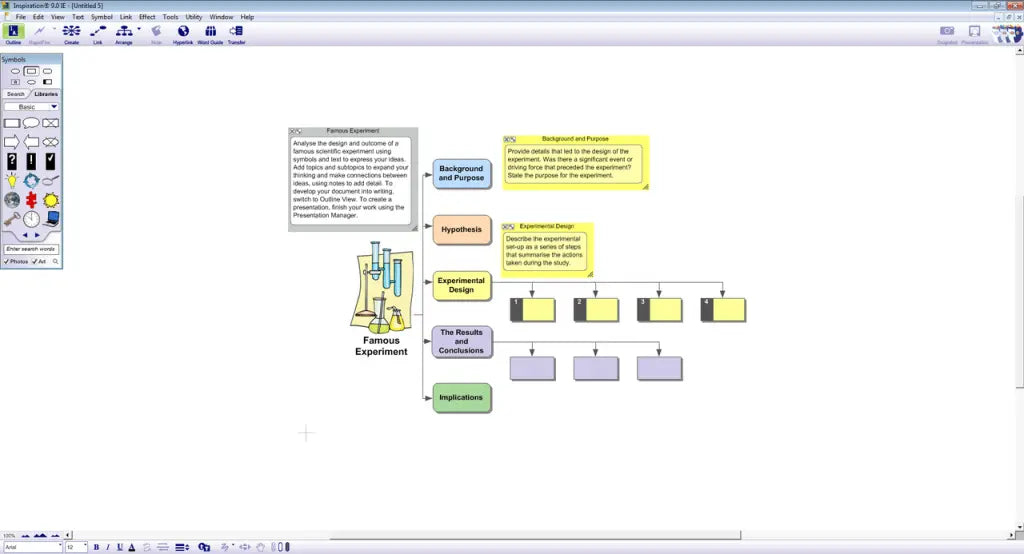
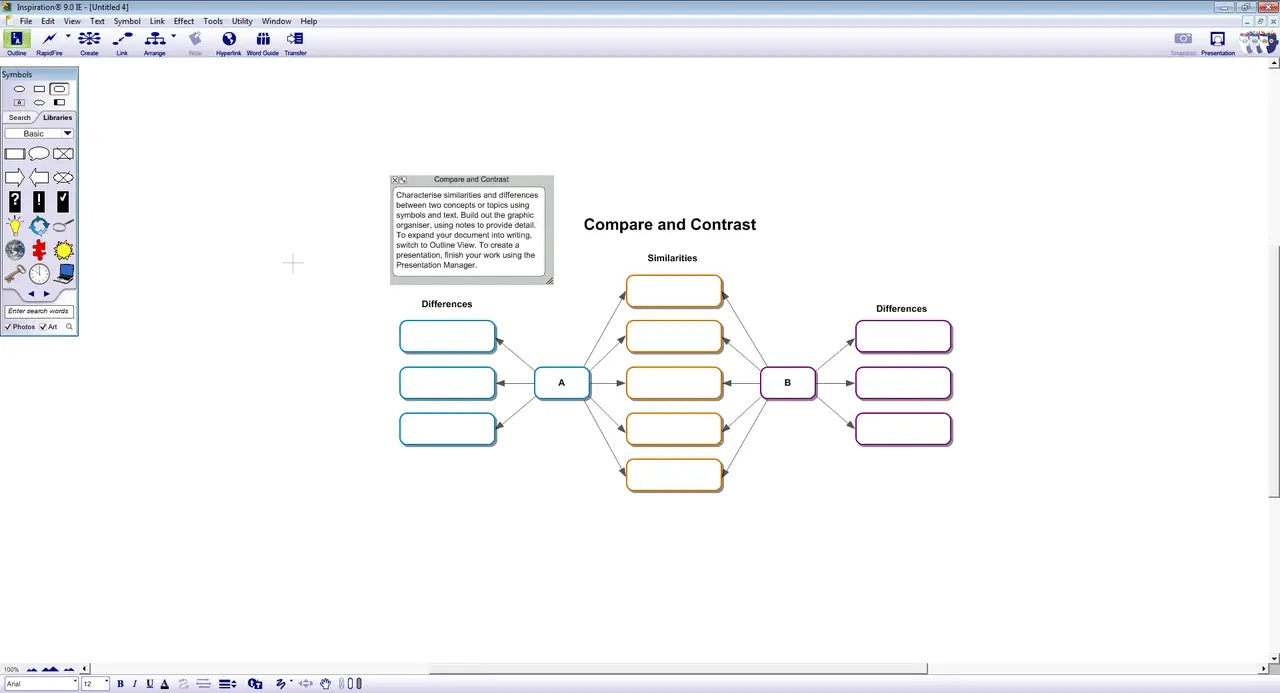
What is Inspiration 12 Education?
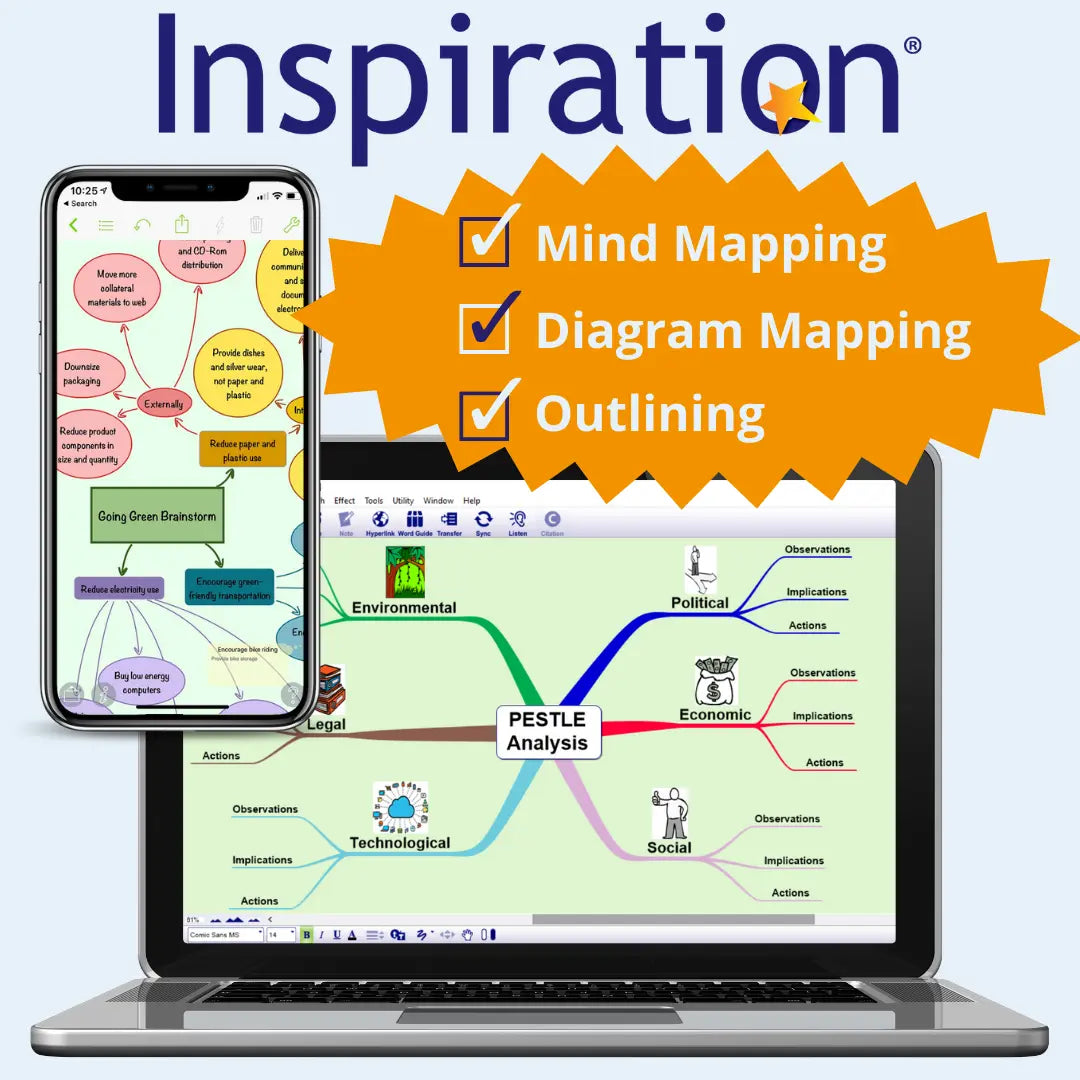
Inspiration 12 Education is mind mapping and visual thinking software for pupils, students and teachers. It lets learners build mind maps, concept maps and graphic organisers, then switch the diagram into a written outline with one click. For dyslexic learners, it removes a common barrier: having good ideas but struggling to get them organised and written down.
How Inspiration 12 helps
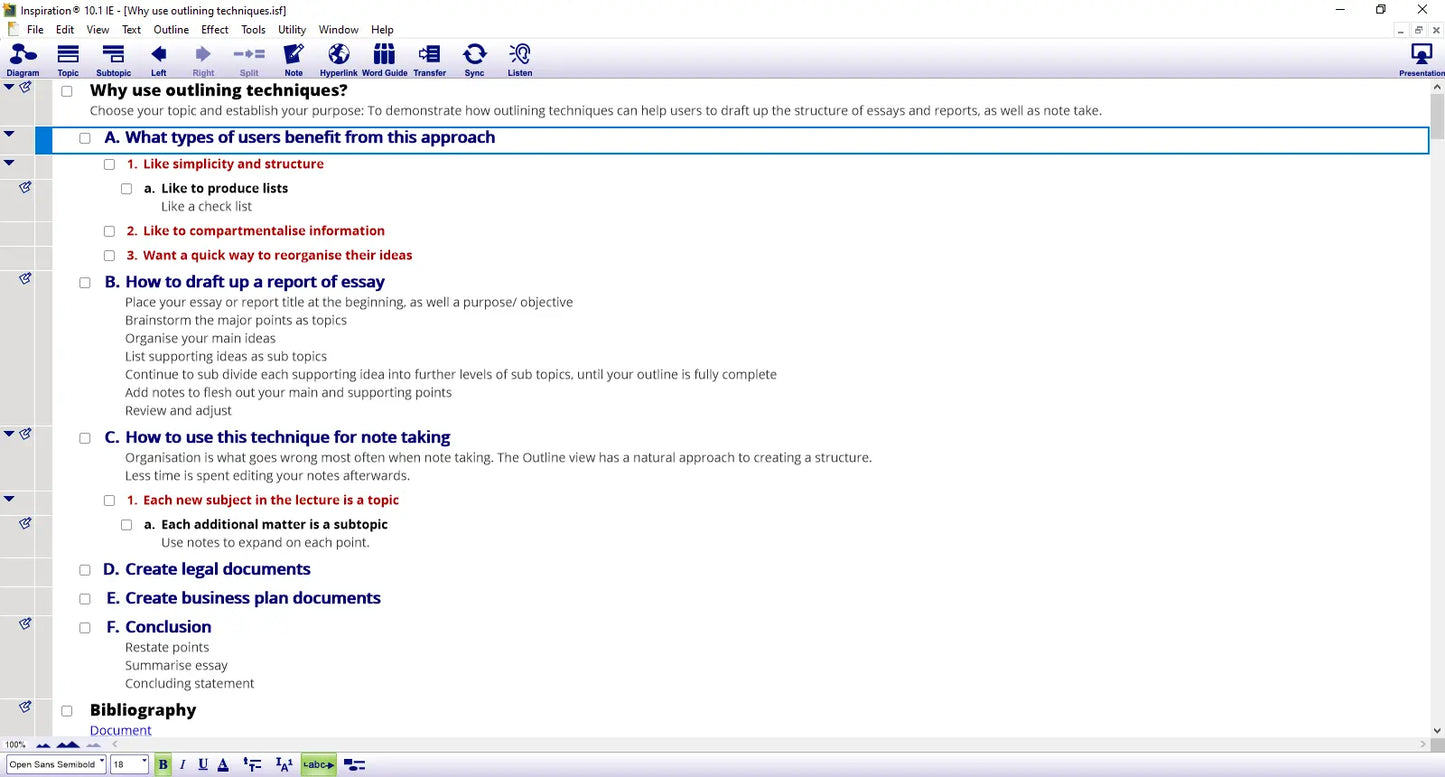
Inspiration turns planning into a visual task. Learners capture ideas quickly with the RapidFire brainstorming tool, link them with phrases that show how they connect, and add notes as their thinking develops. When the plan is ready, the Outline View converts it into a structured writing frame. Finished work can be exported to Microsoft Word, Google Docs, PowerPoint, OneNote, PDF or an image file. [UNVERIFIED - please check that all export options carry over to version 12]
For schools
- Supports Quality First Teaching by giving every pupil a visual route into planning, note-taking and essay writing.
- Fits within SEN provision and can form part of a pupil's normal way of working where planning and organisation are identified needs.
- Around 150 ready-made templates cover thinking skills, subject learning and study planning.
- Suitable for secondary pupils from Key Stage 3, post-16 students and staff.
For parents and home use
- Makes homework less daunting by breaking big writing tasks into small, visual steps.
- Builds confidence: children see their ideas take shape before they write a single sentence.
- Turns revision notes into colour-coded maps that are easier to review and remember.
- Reduces the frustration of staring at a blank page.
Supporting dyslexic learners
Many dyslexic learners think in pictures and connections rather than straight lines of text. Inspiration 12 works with that strength. Ideas can be represented with images and symbols, colour coded with themes, and rearranged freely before any writing begins. Built-in text-to-speech reads text aloud, and the spell checker and thesaurus support accurate written work. This reduces the load on working memory and spelling, so learners can focus on what they want to say.
Why visual planning works
Mind mapping and graphic organisers are widely used study strategies for dyslexic learners because they break information into manageable chunks and make the structure of a task visible. Planning visually first, then writing, separates the job of generating ideas from the job of putting them into sentences.
Order from a UK specialist
The Dyslexia Shop supplies Inspiration to schools, trusts and families across the UK. Schools can order on account, and our team is happy to answer questions about licensing before you buy.
- From map to essay in one click. Inspiration turns a visual plan into a written outline, giving dyslexic learners a clear structure to write from.
- Works with how dyslexic learners think. Images, colours and links let pupils organise ideas visually before tackling spelling and sentences.
- Ready for class and home. Ready-made templates support essay planning, revision, research projects and homework.
- Supplied by a UK specialist. The Dyslexia Shop focuses entirely on dyslexia and learning differences, supporting schools and families.
- What is Inspiration 12 Education?
Inspiration 12 Education is mind mapping software for creating mind maps, concept maps, graphic organisers and outlines. Learners capture and organise ideas visually, then convert their diagram into a written outline with one click. It is used in schools and at home to support planning, writing and revision. - Is Inspiration 12 good for dyslexic students?
Yes, Inspiration 12 suits dyslexic students because it lets them plan visually before they write. Ideas can be shown with images, colours and links rather than long blocks of text. The one-click outline then gives a clear structure to write from, reducing the load on working memory and spelling. - How can Inspiration 12 help my child with homework?
Inspiration 12 helps children break homework into small, visual steps. Your child can brainstorm ideas, arrange them into a plan and turn that plan into a writing outline. This makes essays and projects feel more manageable and helps build confidence with independent work at home. - How do teachers use Inspiration 12 in the classroom?
Teachers use Inspiration 12 for essay planning, note-taking, revision maps and research projects. Ready-made templates help pupils structure their thinking across subjects. It supports Quality First Teaching and can form part of a pupil's normal way of working where planning and organisation are identified needs. - What age is Inspiration 12 suitable for?
Inspiration 12 is generally suited to secondary pupils from Key Stage 3, post-16 students and adults. Younger pupils may find it useful with adult support. Please check with our team if you are buying for a primary-age child or a whole-school setting. - Can Inspiration 12 be used in exams?
Exam use is decided by your child's or student's exam centre in line with current JCQ regulations. Mind mapping can form part of a candidate's normal way of working, but features such as spell checking and text-to-speech are only permitted in specific circumstances. See the access arrangements guidance on the JCQ website. - Can I export Inspiration 12 mind maps to Word or Google Docs?
Yes, Inspiration 12 exports diagrams and outlines to Microsoft Word and Google Docs. You can also export to PowerPoint, OneNote, PDF or an image file. This lets learners move straight from planning into writing in the program they already use for schoolwork.