
-
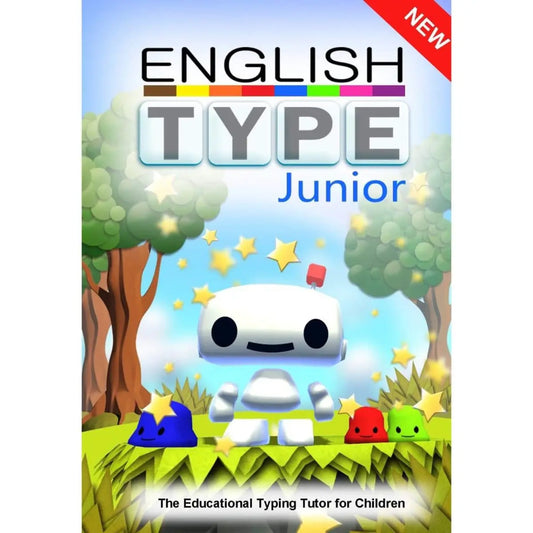
Englishtype Junior: Dyslexia-Friendly Touch Typing for Kids (Windows)
Regular price £40.00 GBPRegular priceUnit price per -
IRISPen Air – Wireless Pen Scanner & Translator for All Ages
Regular price £161.99 GBPRegular priceUnit price per -
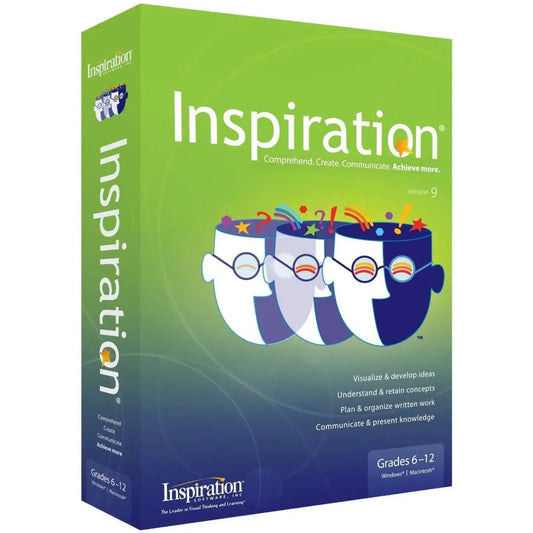
Inspiration 12 Mind Mapping and Outlining Software for Windows
Regular price From £117.60 GBPRegular priceUnit price per -
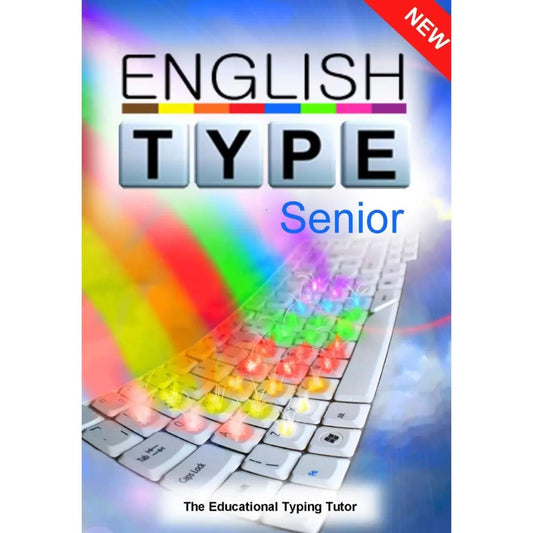
Englishtype Senior Typing Tutor for Dyslexia - Windows Download
Regular price £40.00 GBPRegular priceUnit price per -
WordShark Home - (Download)
Regular price £252.00 GBPRegular priceUnit price per -
Numbershark v5 Home - (Download)
Regular price £180.00 GBPRegular priceUnit price per -
Wordshark V5 School - (Download)
Regular price £395.99 GBPRegular priceUnit price per -
Englishtype Double Pack - Windows Download
Regular price £71.88 GBPRegular priceUnit price per -
CVC Word Builder CD-Rom - Single User
Regular price £20.99 GBPRegular priceUnit price per -
Comprehension Booster Expansion Pack
Regular price £26.11 GBPRegular priceUnit price per -
Inspiration Add On - Dragon Command Pack for Inspiration: 200+ Voice Commands
Regular price £49.20 GBPRegular priceUnit price per



Frequently asked questions
How can technology help people with dyslexia?
Technology helps people with dyslexia by reducing barriers in reading, writing and organising ideas, and by giving extra practice in core skills. Wordshark builds reading and spelling through games, Englishtype typing tutors give a faster route onto the page than handwriting, Inspiration 12 helps plan essays and reports, and the IRISPen Air reads printed text aloud. Most learners benefit from combining a skills programme with one practical tool.
What is the best software for dyslexia?
The best software for dyslexia depends on the main barrier. For reading and spelling practice, Wordshark is a long-established choice in schools and homes. For maths difficulties linked to dyslexia or dyscalculia, Numbershark uses the same game-based approach. Englishtype suits learners who need to type fluently, and Inspiration 12 suits anyone who struggles to plan and organise writing. Our SEND specialists are happy to help you choose.
What types of assistive technology help people with dyslexia?
The main types of assistive technology for dyslexia are text-to-speech, which reads text aloud; speech-to-text or dictation, which types what you say; mind mapping and planning tools; pen scanners that read printed text; and spelling and word prediction tools. The Dyslexia Shop stocks Inspiration 12, the IRISPen Air and Nuance Dragon speech recognition, alongside skills programmes such as Wordshark and Numbershark.
Does touch typing help children with dyslexia?
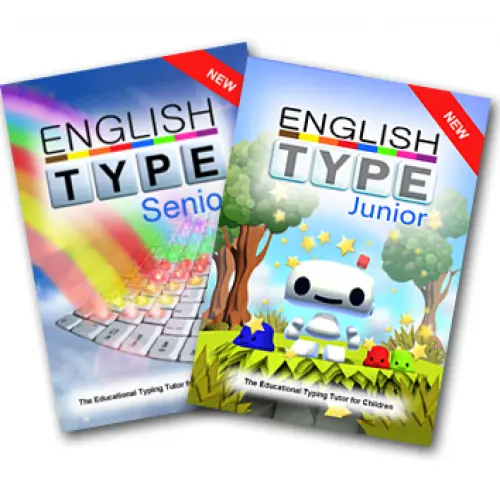
Touch typing gives children with dyslexia a way to write that does not depend on forming letters by hand, so slow or effortful handwriting no longer hides what they know. Englishtype Junior, for children up to 11, links each finger to a colour to build muscle memory, and Englishtype Senior teaches learners aged 12 to adult using real words from the first lesson. Short, regular practice at home works well.
Is there software to help with dyscalculia?
Yes. Numbershark is game-based maths software designed with dyscalculia and catch-up learners in mind. It offers 45 games and over 500 number topics, from counting and addition to fractions, decimals and simple percentages, and shows each operation visually with rods, abacuses, pie charts and a 100 square. Most games have no time limit, so pupils can work out a strategy and build confidence without pressure.
Can schools buy dyslexia software for a whole class?
Yes. Wordshark has a dedicated School edition, Neuralign is sold per pupil, as a class pack or as a whole-school licence, and Englishtype lets a whole class type at the same time with each pupil at their own pace. SENCOs use these titles for SEN support, small-group intervention and EHCP provision. Call The Dyslexia Shop on 01394 671 818 or email hello@thedyslexiashop.co.uk for school and trust orders.
Can Access to Work pay for dyslexia software?
Access to Work is a government grant that can help pay for specialist equipment and assistive software for eligible employees. Get advice before buying, because it only refunds equipment bought before an assessment in certain conditions. Access to Work does not pay for reasonable adjustments, which remain the employer's duty under the Equality Act 2010. Inspiration 12 and Nuance Dragon are popular workplace titles.